How to View eufySecurity Cameras on a Computer
Modified on: Mon, 23 Feb, 2026 at 11:00 AM
Compatible with:
eufyCam 2 Pro, eufyCam 2C Pro, eufyCam 2, eufyCam 2C, eufyCam, SoloCam E40, SoloCam L40, SoloCam S230, Video Doorbell 2K (Wired), Outdoor Cam Pro (Solo OutdoorCam C24), Indoor Cam 2K Pan & Tilt (Solo IndoorCam P24), Indoor Cam 2K (Solo IndoorCam C24), Indoor Cam Mini 2K, Video Doorbell 2K (Battery-Powered), eufy Security Video Doorbell 1080p (Battery-Powered), Floodlight Cam 2 Pro, Floodlight Cam 1080p, Floodlight Cam E 2K, Video Doorbell Dual 2K (Battery-Powered), SoloCam C210, Video Doorbell E340
You can view your eufy cameras on your computer instead of needing your phone!
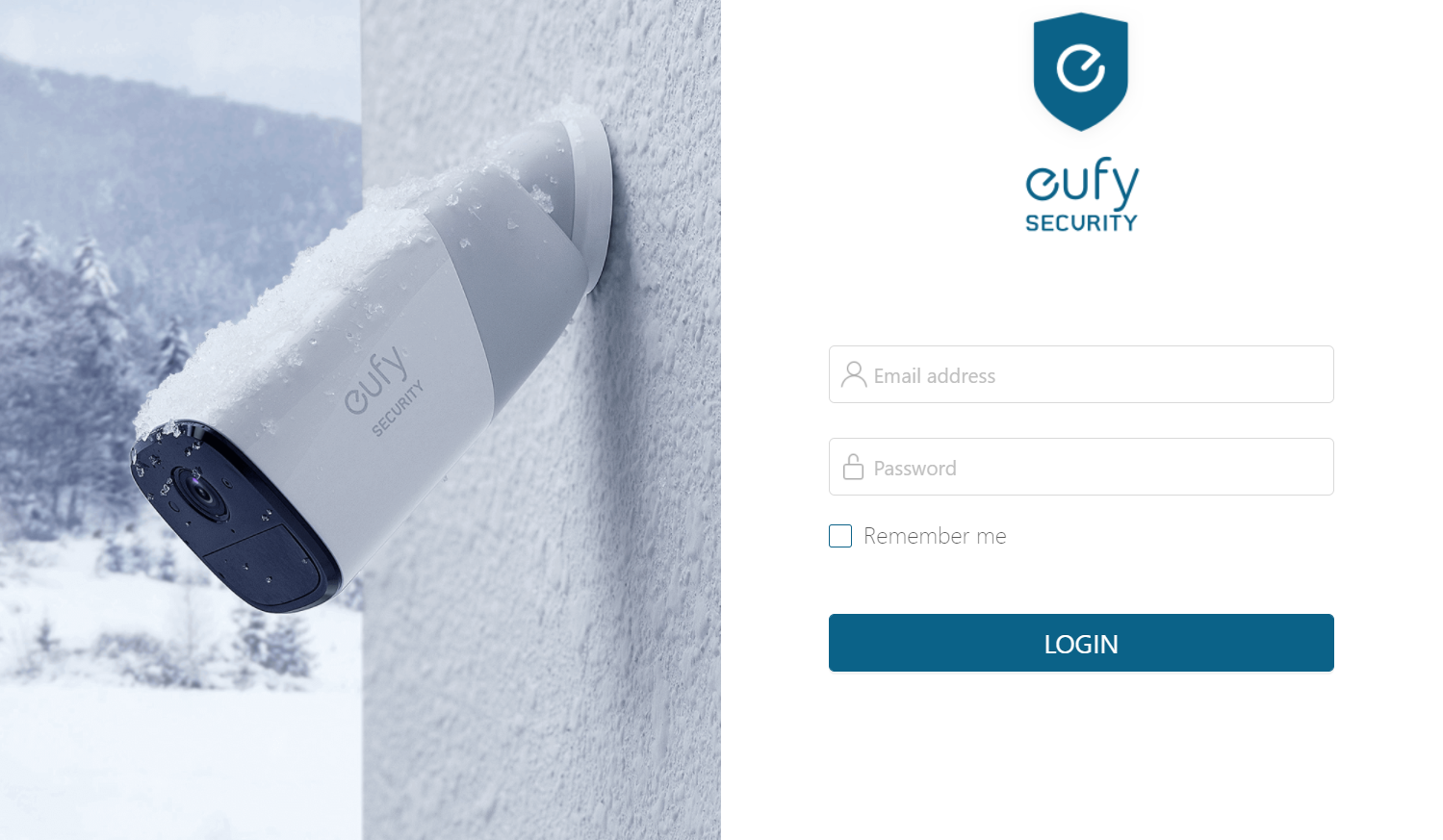
Please access the web portal to view cameras on a desktop. To log in on a desktop, simply enter the same email address and password that you use to log in to the eufy app.

If you have any other questions regarding how to view eufySecurity cameras on a computer, please contact us for further assistance.
Was this article helpful?
That’s Great!
Thank you for your feedback
Sorry! We couldn't be helpful
Thank you for your feedback
Feedback sent
We appreciate your effort and will try to fix the article